Amazon Connect MCP Tools in Flows: One Shared Catalog
On Nov 2, 2026 AWS let Amazon Connect Customer flows call MCP tools through an External Tool block and Bedrock AgentCore Gateway. Here is how to share one tool catalog with your agents.
Overview
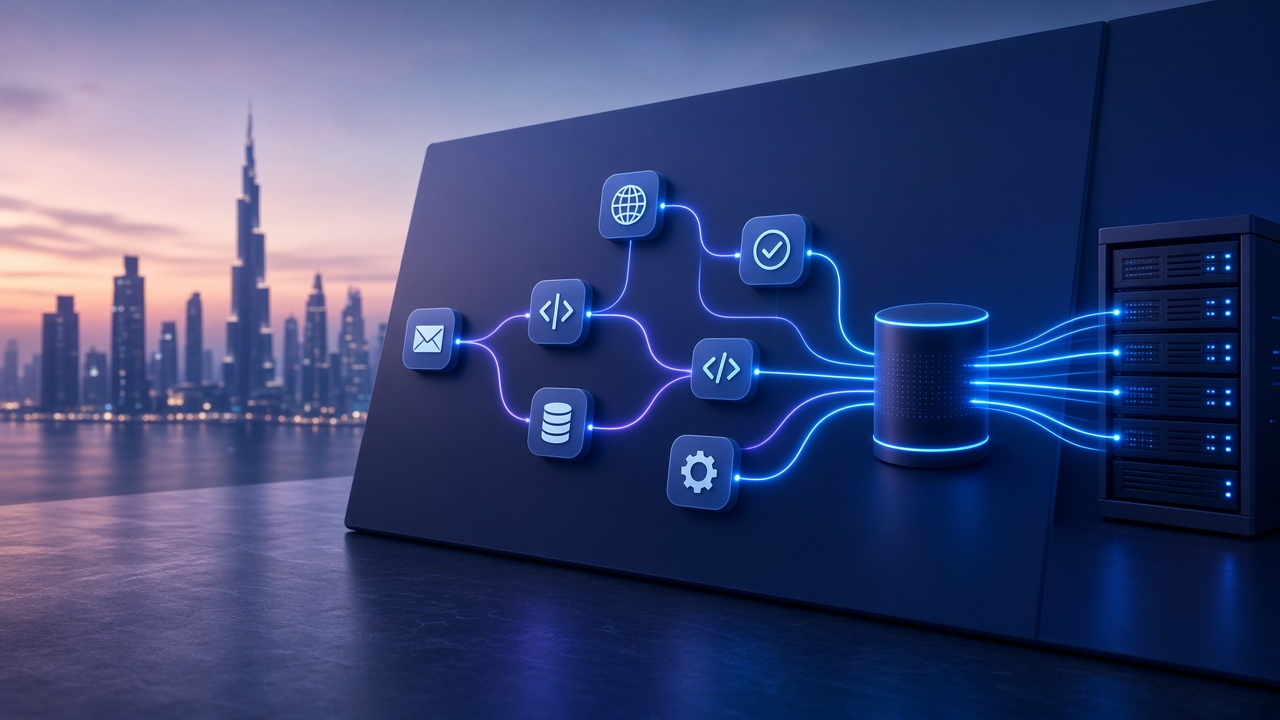
On November 2, 2026, AWS announced that Amazon Connect Customer can invoke Model Context Protocol (MCP) tools inside customer experience flows through a new External Tool block. Flows reach third-party apps through an Amazon Bedrock AgentCore Gateway, and they can reuse the same tools your agentic experiences already call, without writing a custom Lambda for each action.
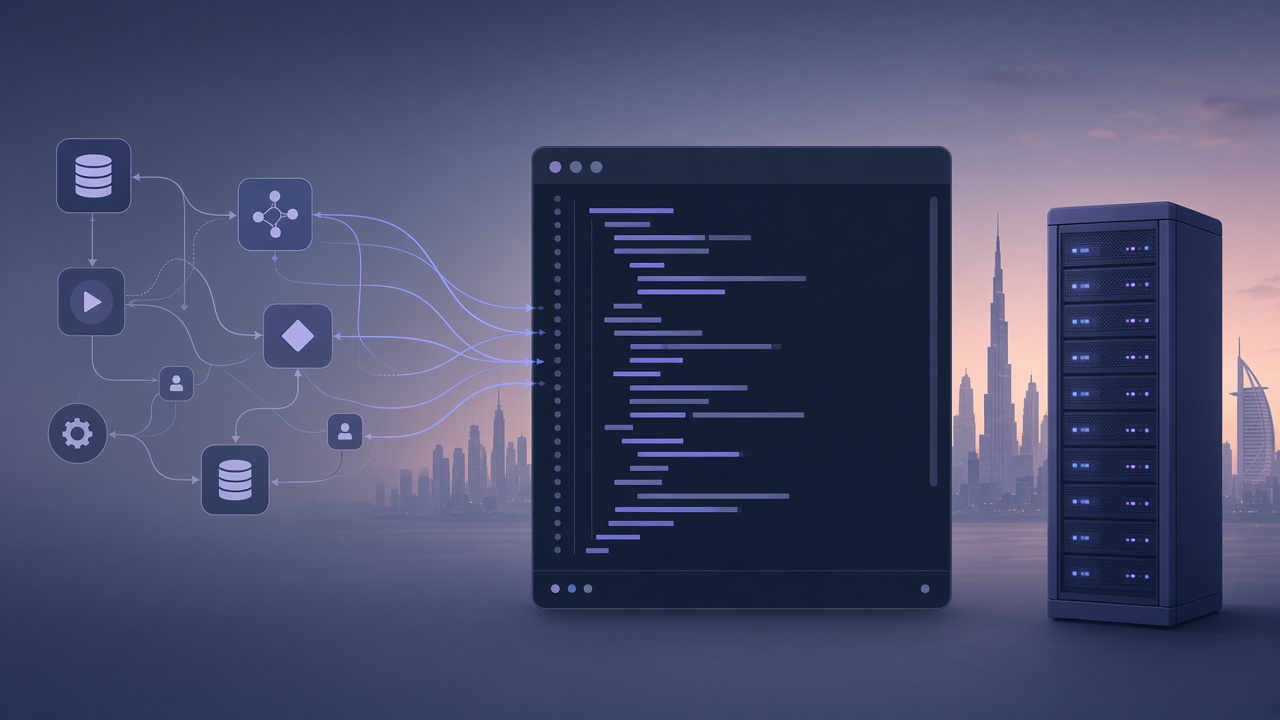
For Gulf contact centers that already run chat, voice, WhatsApp-adjacent work, and internal agents against one CRM or POS stack, this is the practical win: one tool catalog, two surfaces. The IVR or chat flow and the AI agent stop inventing parallel integrations.
One MCP catalog should drive both the flow and the agent. Duplicate Lambdas are the failure mode this launch is trying to retire.
What AWS shipped
Per the AWS what's-new note and the External Tool block docs:
- Flows pick an integrated MCP application and a tool by name (or set those dynamically).
- Synchronous mode waits for the tool (max 8 seconds). Asynchronous mode continues the contact and you load the result later with a second External Tool block.
- Results land in
$.ExternalTool.ResultData(up to 32 KB). Each new invoke overwrites the previous result unless you copy it into contact or flow attributes first. - Channels supported: voice, chat, task, and email.
- Errors retry up to three times within the timeout, then take the Error branch.
Setup is gated on a Bedrock AgentCore gateway. Connect Customer's MCP integration guide requires the gateway's supported MCP versions to include a 2025 protocol version (2025-03-26, 2025-06-18, or 2025-11-25). You also add the gateway ID to Allowed audiences, and associate the Connect instance that uses that gateway's Discovery URL.
Regions (read this before you promise a UAE pilot)
The launch lists these Regions: US East (N. Virginia), US West (Oregon), Canada (Central), Europe (Frankfurt), Europe (London), Asia Pacific (Seoul, Singapore, Sydney, Tokyo). There is no Middle East Region on that list today. Frankfurt or London is the usual path for UAE teams that already keep EU data residency. Confirm the instance Region and the gateway Region match before you design a production cutover.
Why this matters for agent stacks
Most mid-market shops we see in the UAE still maintain two paths into the same systems:
| Layer | Old pattern | MCP pattern |
|---|---|---|
| Flow / IVR | Custom Lambda per CRM or POS action | External Tool against a shared MCP server |
| Agentic chat | Separate tool wrappers in the agent runtime | Same MCP tools via AgentCore Gateway |
| Auth | Per-Lambda secrets and IAM sprawl | Gateway inbound identity + Allowed audiences |
| Schema drift | Flow and agent disagree on field names | One tool schema, two callers |
When a customer asks about a recent transaction, AWS's own example is the flow calling a third-party CRM or banking tool for case history, then routing on $.ExternalTool.ResultData. That is the same class of work we already put behind MCP for agent products: order lookup, credit/khata status, ticket create, inventory check.
If your agent platform already exposes those actions as MCP tools (for example through a product like AgentsCreator), Connect's External Tool block is a second consumer of that catalog, not a second rewrite.
What to design before you drag the block onto a flow
1. Pick tools that fit the timeout
Synchronous mode is capped at 8 seconds. Anything that fans out to slow ERP or payment rails belongs in asynchronous mode with a Wait + Load tool result pattern, or stays out of the hot path. Keep tool responses under 32 KB or the Success branch never fires.
2. Freeze the catalog ownership
Put tool schemas in one place. AgentCore Gateway is the control plane; Connect and the agent runtime are callers. Do not let a flow team fork a "Connect-only" Lambda copy of a tool the agent already has. That is how field names diverge in a week.
3. Copy results before the next invoke
$.ExternalTool is overwritten on every call. If a flow needs CRM case history and then a POS balance, write each result into $.Attributes.* before the next External Tool block.
4. Align protocol versions on purpose
Connect Customer currently documents 2025 MCP versions only on the gateway. If your wider agent stack is already moving toward newer MCP revisions elsewhere, keep a gateway (or server) that still advertises a supported 2025 version for Connect, and treat version upgrades as a coordinated change, not a silent SDK bump.
5. Plan the Error branch like production ops
Throttles and 500s retry inside the timeout. Persistent failures take Error. Decide in the flow: retry message, queue to a human, or fallback FAQ. Silent drops are how WhatsApp and voice queues lose trust.
A practical first week for a Gulf contact center
- Inventory the three actions agents and agents-of-record (human or AI) hit most: case lookup, order/status, create ticket.
- Expose those as MCP tools behind one AgentCore Gateway with clear schemas and auth.
- Wire Connect Customer to that gateway per the integration steps.
- Rebuild one high-volume chat or voice flow to call the same tools with External Tool instead of a custom Lambda.
- Compare handle time and error-branch rate for a week before you migrate the rest.
For shops whose customer ops still live in WhatsApp and POS rather than Connect alone, the same catalog pattern applies outside AWS. We already ship WhatsApp-facing POS and agent surfaces such as WhatsApp POS and AgentsCreator so the tool definitions stay product-owned. Connect becoming an MCP caller is another reason to stop scattering one-off Lambdas.
When this fits (and when it does not)
Fits when you already run (or plan) Amazon Connect Customer, you can host or reach tools through Bedrock AgentCore Gateway in a listed Region, and you want voice/chat flows and AI agents to share one integration layer.
Wait when your instance Region is not on the launch list, when every tool call needs more than 8 seconds of synchronous work with no async design, or when you still do not own a single tool schema for CRM/POS actions. In that case, fix the catalog first. The block will not invent clean data for you.
Where we would help
We build MCP-backed agent products and the integrations that contact centers actually call: CRM, POS, WhatsApp, and internal ops APIs. If you want Connect flows and your agents on one catalog, start from our AI integration services or tell us which tools already exist.
You keep the Connect instance and the gateway. We help you define the tools once, wire External Tool without a Lambda farm, and leave a pattern your team can extend when AWS adds Regions or protocol versions.
Topics
Build this into a product
Talk to NTechnologies about applying these ideas in your stack.